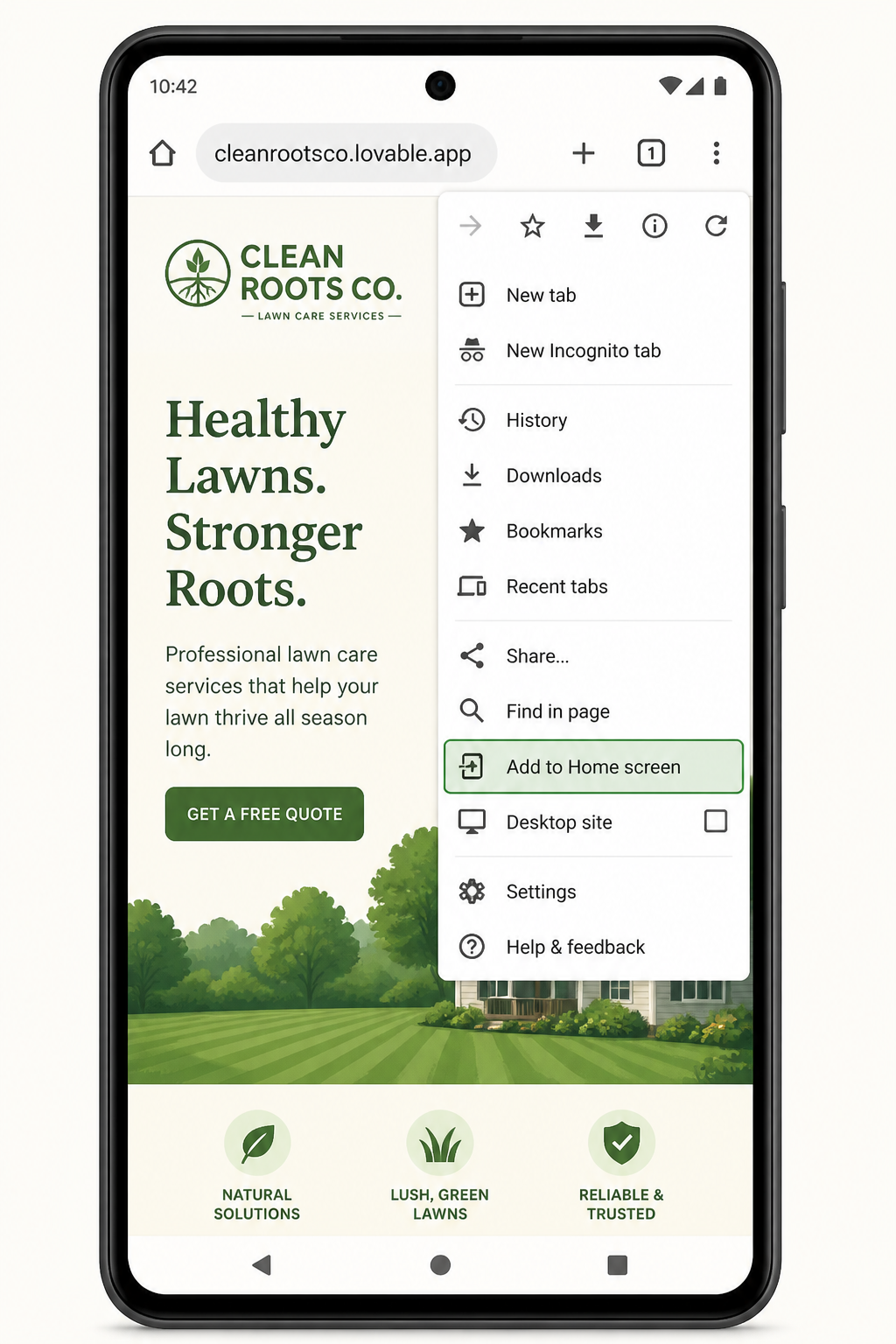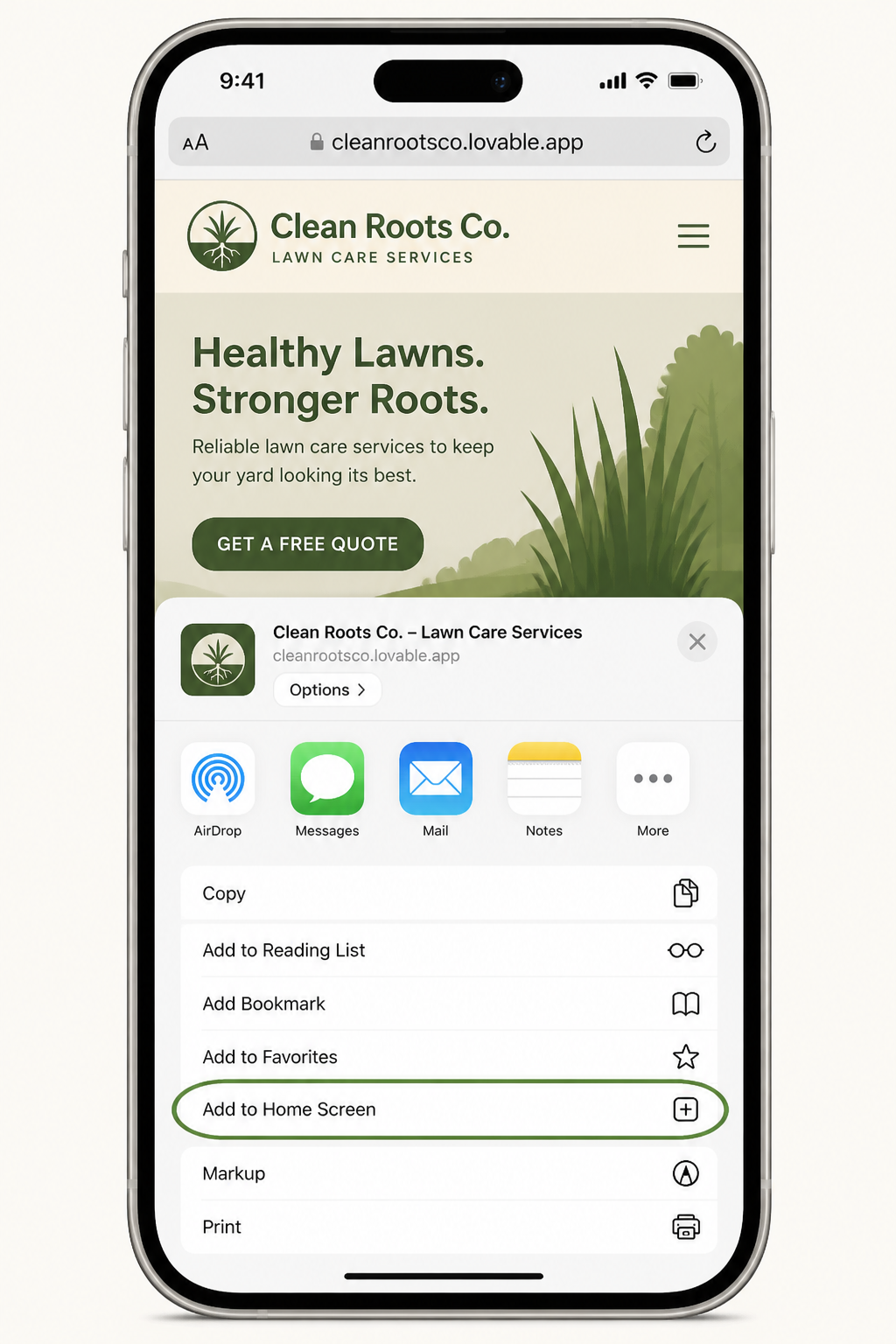
Android (Chrome)
- 1
Open our website in Chrome
Visit cleanrootsco.lovable.app in the Chrome browser on your phone.
- 2
Tap the three-dot menu
It's in the top-right corner of the browser.
- 3
Tap "Add to Home screen"
Confirm by tapping Add on the popup. Some phones may show "Install app" instead — that works too.
- 4
Done
The Clean Roots icon now sits on your home screen and opens full-screen like a native app.